
In today’s technology-driven world, digital literacy is becoming as fundamental as reading and writing. For children who are blind or have low vision, learning to use technology early and becoming comfortable with accessible tools helps prepare them for school, supports lifelong learning, and opens doors to independence and opportunity.
FirstTap for iPad
Created by CNIB, in collaboration with ObjectiveEd, FirstTap is a fun, educational iPad app designed for young children (ages 2+) who are blind or have low vision. Through games and activities, it introduces young learners to Apple’s operating system (iOS) and the built-in accessibility features on the iPad.
With FirstTap, children learn and practice the basic commands and gestures (like tapping, swiping, and pinching) that are needed to navigate Apple’s built-in vision accessibility features including its Zoom screen magnifier, VoiceOver screen reader, and more.
FirstTap was created as part of a research project focused on early digital literacy. The app was developed alongside children with sight loss and family members across Canada. While designed for young learners with sight loss, the app is also a helpful resource for adults interested in learning how to navigate the iPad’s built-in vision accessibility features. Although FirstTap is not compatible with VoiceOver, it has built-in accessibility features that mimic VoiceOver.
How does FirstTap work?
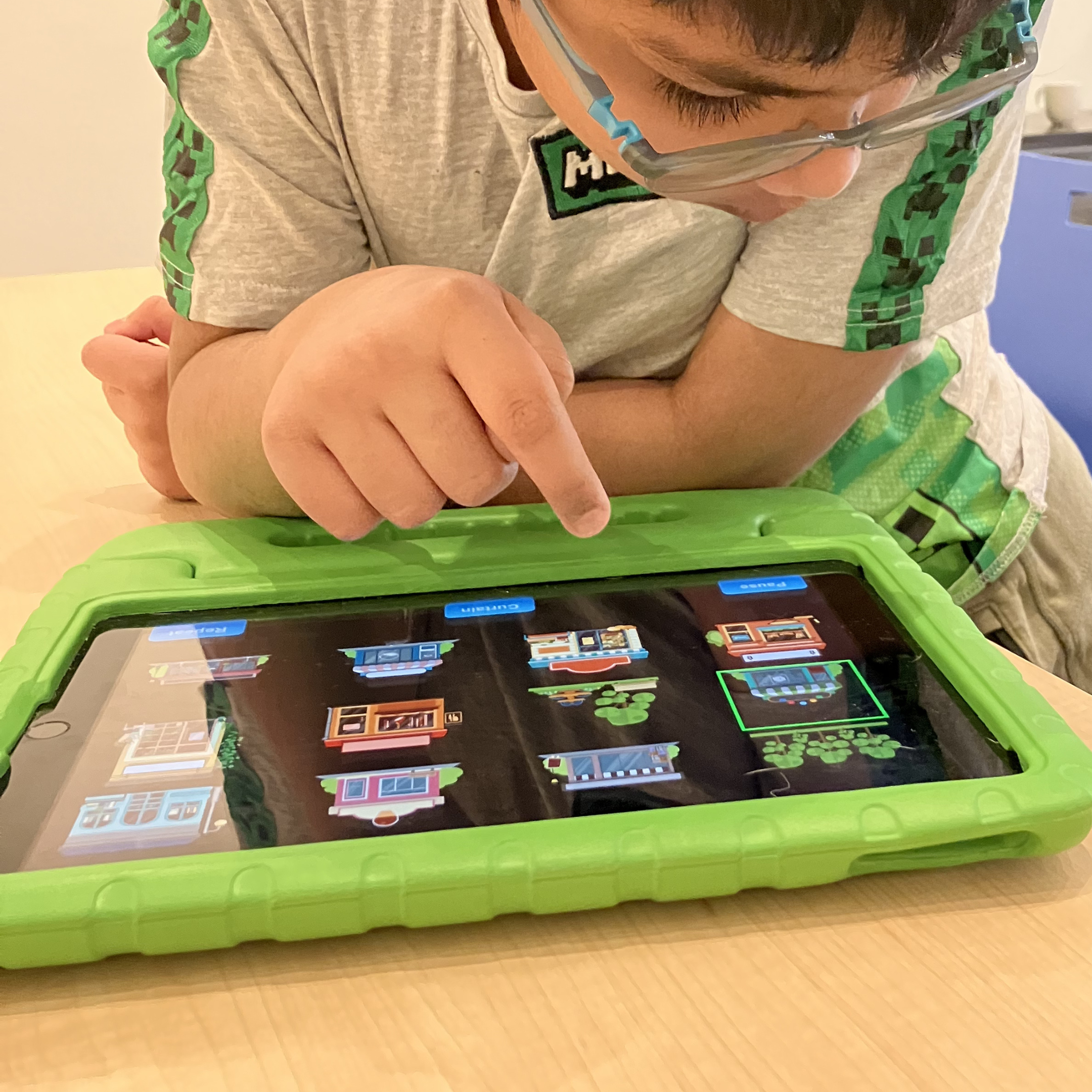
FirstTap makes learning accessible tech fun and approachable, helping kids develop the digital literacy skills they need to confidently use technology as they grow. Kids can explore a variety of age-appropriate games and activities tailored to different skill levels, allowing them to choose activities and exercises that matches their age, skill level and interests.
These activities help young learners to:
- Explore and interact with the iPad: Gently touching the screen, screen orientation, and basic navigation.
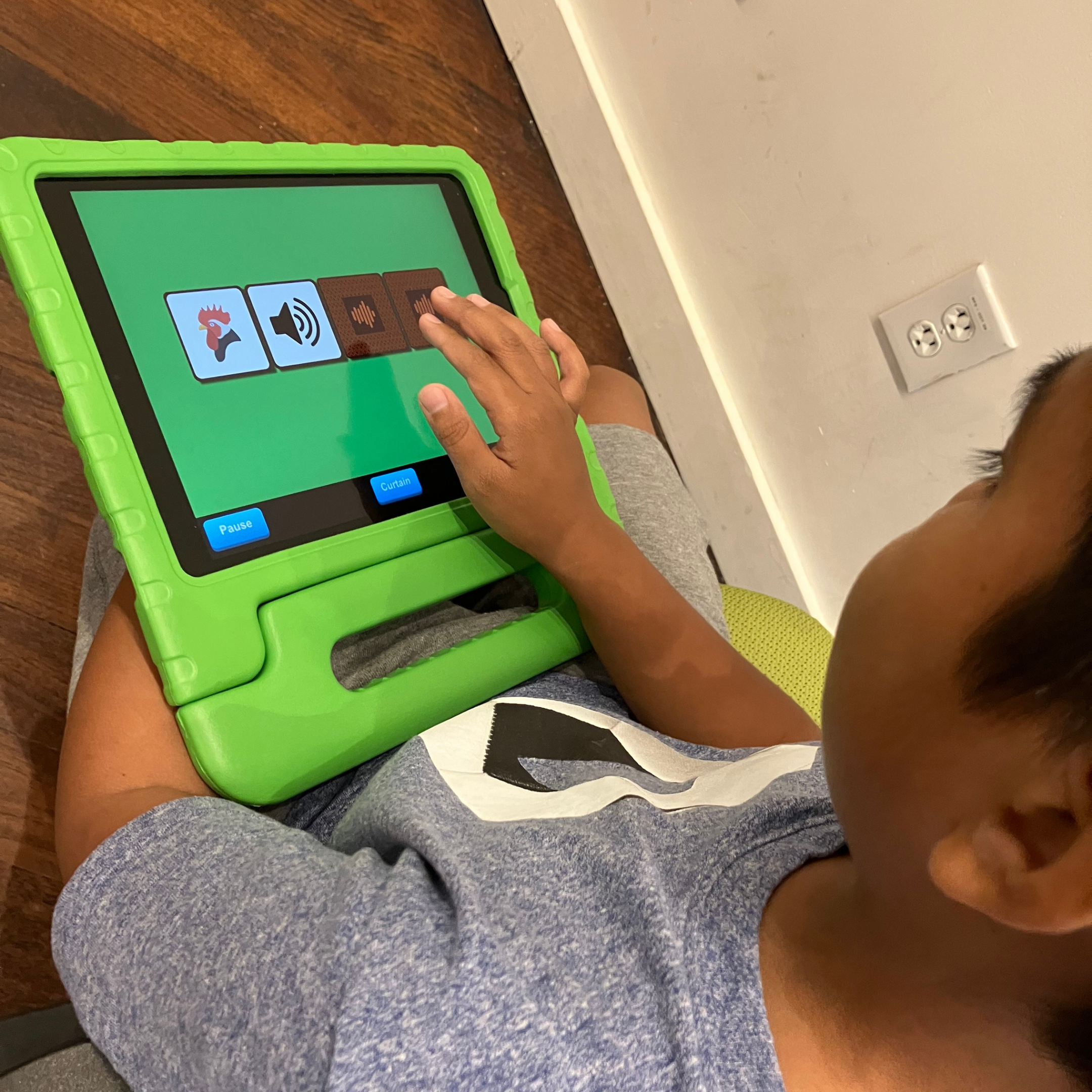
- Use VoiceOver features and gestures: Split tap, rotor use and reading gestures.
- Customize visual content: Turn off visuals to reduce screen time or to test comprehension and navigation skills.
- Develop listening skills: Follow directions, recognize sound effect prompts, and remember their purpose.
- Build social skills: Games can be played independently, with peers, or supported by an adult.
- Connect to learning: Many games tie into age-appropriate school curriculums, helping children learn more about the world around them and build their contextual understanding for conversations with peers.
Why we created FirstTap
FirstTap was developed as part of a research project funded by the Government of Canada's Early Learning and Child Care (ELCC) Innovation Program.
Initially called the “Early Years Digital Literacy” research project, our goal was to create a safe digital learning environment (an app) that teaches children who are blind or have low vision, and their families, the digital literacy skills they need to use Apple’s operating system (iOS) and the built-in accessibility features on the iPad.
As part of the research project, CNIB piloted FirstTap with 106 families across Canada to see how well the app supported their learning. We then collected feedback to better understand the obstacles children with sight loss face when navigating online environments and refined the app based on what we learned. The app you see today is the final result of that work.
A focus of the research was to provide recommendations for best practices in teaching children with sight loss VoiceOver gestures and digital literacy skills. From this work, we developed federal level recommendations. Our goal is that the research-backed analysis and recommendation list is available to other organizations and communities working alongside children with sight loss and their families.
Watch & Learn
Explore our video tutorials to see FirstTap in action and learn how to get started.
Additional resources
We put together a list of external resources to help support your child’s continued learning. Here, you’ll find tips on screen time, information about digital literacy, iPad accessibility, getting started with braille, and ways to connect with online communities.

Why parents love FirstTap
Research participant testimonials
“Kiddo enjoyed ‘Grandma’s Soup’ which helped her to learn swiping, ‘Giddie Gardener’ helped little one to learn the rotor skill and ‘Window Washer’ to practice the scrub motion. Repetitive, but that assists with practicing VoiceOver gestures and the info. on the games are very interesting to hear!” – Anonymous
“We thank CNIB from the bottom of our hearts for including us in this project! It was a great experience and look forward to playing the games and do the activities again when the app is ready.” – The Serrano Maguet Family